

Price Tracking From Websites in a Spreadsheet You Own

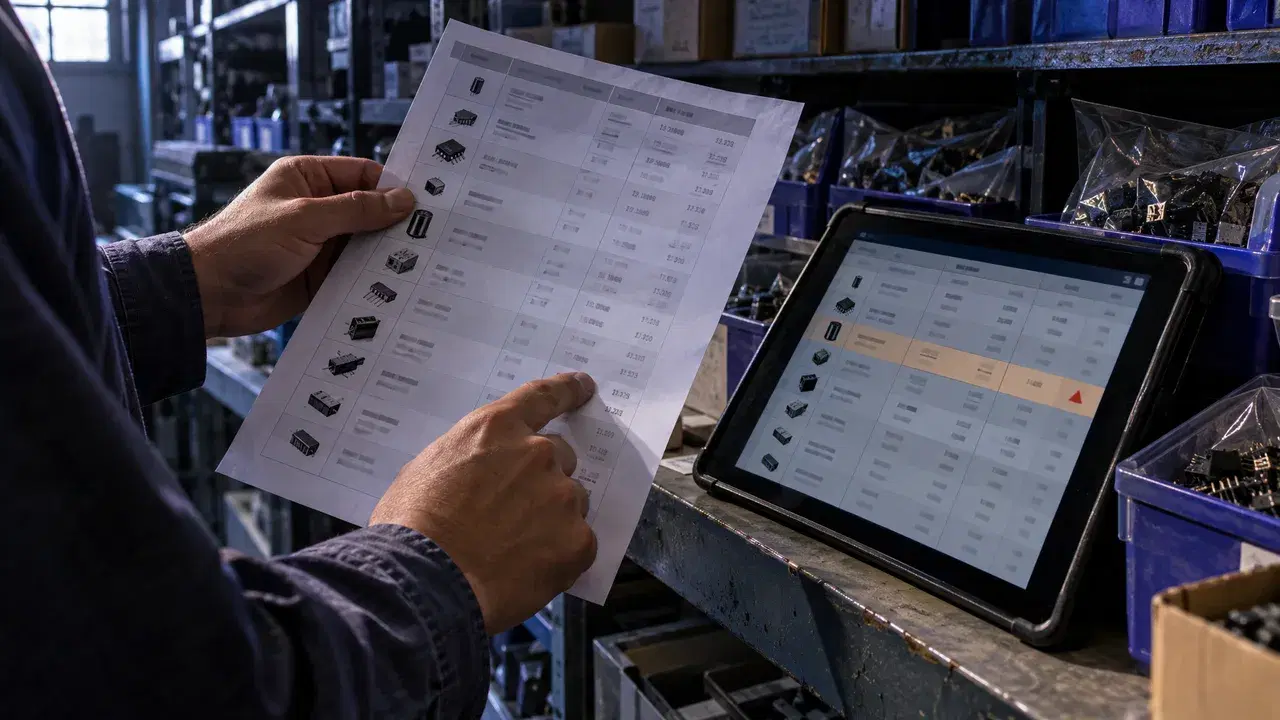
To track prices in a spreadsheet, list the product pages you care about and have a tool read each one on a schedule, then write every price into its own row with a link back to the page and set an alert at the number that would change your decision. The first step decides whether the sheet is worth trusting. The price worth tracking is often the one you see after signing in, with your trade account, membership or delivery region applied, and the usual formula route never sees it.
Table of Contents
- Why Spreadsheet Price Trackers Record the Wrong Number
- Signs Your Tracker Has Already Drifted
- Setting Up a Tracker That Reads the Price You Pay
- How BrowseWiz Handles the Signed-In Price
- Frequently Asked Questions
Why Spreadsheet Price Trackers Record the Wrong Number
The number on a product page changes with the visitor. It is quoted per unit, per pack or per case, it shifts with the variant selected, and on supplier sites it depends on the signed-in account: its tier, negotiated rates, member pricing and delivery postcode. A tracker that reads the page anonymously records a price you were never going to pay.
Formula imports start the drift. A page behind your login is outside that, which is most of what IMPORTXML can and cannot collect.
Freshness is the second gap. Google's 2025 help page on import functions says IMPORTDATA, IMPORTHTML and IMPORTXML check for updates only every hour, and only while the document is open. The same page warns that heavy use of these functions across spreadsheets triggers throttling errors, with strict limits for the document creator across all open documents.
An XPath query points at the page's structure, not at its meaning. After a redesign it can return a neighbouring number while the cell still looks normal.
Then there is history. A formula overwrites itself, so last Tuesday's price is gone, and a price without its previous value cannot show you a trend.
Signs Your Tracker Has Already Drifted
- The sheet shows a different price from the one in your cart when you're signed in.
- Some cells show an error or go blank on certain mornings and look fine on others.
- Prices only seem to move when someone opens the file.
- After a store redesign, a price cell holds a "was" price, a rating or a shipping fee.
- You can't say what a product cost last week without visiting the page.
- No row links to its page, so you can't check an odd number with one click.
- You notice a price crossed your budget by reading the sheet, not from an alert.
The first sign outweighs the rest, because it means every row records the wrong figure even on the days the sheet works. The others are repairable. Our Sheets price tracker page shows the column layout we start from.
Setting Up a Tracker That Reads the Price You Pay
- Open each product page while signed in and note the exact price you would pay, including the variant and pack size.
- Run it once and compare every row against its page before you trust a schedule.
- Choose how refreshes write: update rows in place to keep one row per item, or add dated rows to build a log you can chart. Our guide to updating a Google Sheet on a schedule covers both.
- Set an alert at the line that changes a decision, such as a price dropping below your budget, so the sheet comes to you.
The same five steps work for any repeated collection, including a lead list built from company websites. Our walkthrough on extracting website data into Sheets covers the general case.
How BrowseWiz Handles the Signed-In Price
BrowseWiz reads sites you're signed into in your own Chrome, with no cookie or password upload. You describe the rows in plain words, so there are no selectors or scrapers to build or fix. A store redesign doesn't break the run, because nothing depends on recorded clicks or selectors. BrowseWiz writes the rows into a new Google Sheet, with a source link per row if you ask.
There are trade-offs to plan around. Scheduled sheet updates run up to once a day, at the time you set, and only while Chrome is open. If a site signs you out, you sign in again in Chrome and the next run picks up from there. Free includes one daily scheduled task and one monitor.
Supplier portals rarely stop at prices. BrowseWiz also auto-downloads statements and invoices and logs the file name, size and status in a Google Sheet, which our page on downloading files from portals shows end to end.
Compare the plans on our pricing page. For team setups, use our contact page.
Frequently Asked Questions
How to pull prices from websites into Excel?
BrowseWiz writes into a new Google Sheet in your Drive, not an Excel workbook. If your reports live in Excel, keep the collection and its history in the sheet and bring the finished table into Excel when you need it, rather than rebuilding a web import inside the workbook. Run the same check either way: open one product signed in and confirm the imported price matches the one you would pay before you build formulas on top of it.
How to track prices on websites?
Start from a decision, not a list of pages: the price that would make you buy, switch suppliers or reprice. Google's 2025 AppSheet help describes an event that sends an email when a row is updated to have a specific column value, which suits an app built on your sheet. A BrowseWiz monitor alerts you when a change matters, such as a price below $900, and checks about every 5 minutes. That is faster than waiting for a daily refresh.
How do I create a price comparison sheet in Excel?
Put products in rows and stores in columns, then add columns for the lowest price and the store that offers it. Before comparing, convert every price to the same unit, because one store's pack of ten and another's single item will make the cheaper option look dearer. Add shipping as its own column rather than folding it into the price. Keep one source link per cell group so a surprising winner can be checked at once.

About Tom
I'm a software engineer and solutions architect specializing in AI-driven tools and productivity software, passionate about helping users reclaim their valuable time through intelligent automation.